
GolfBays

Loved by 10,000+ Happy Golfers

ProTee Golf Simulators & Launch Monitors

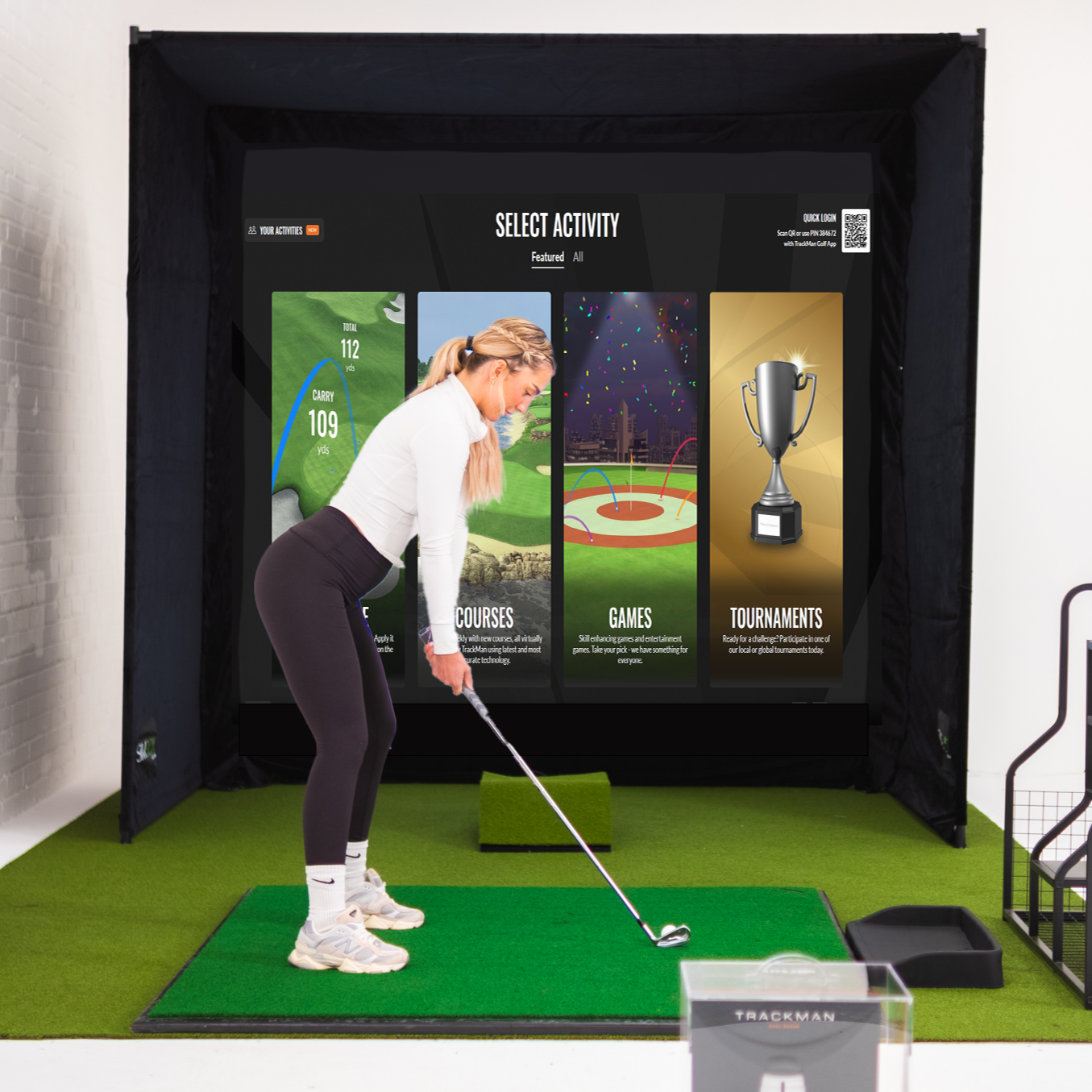
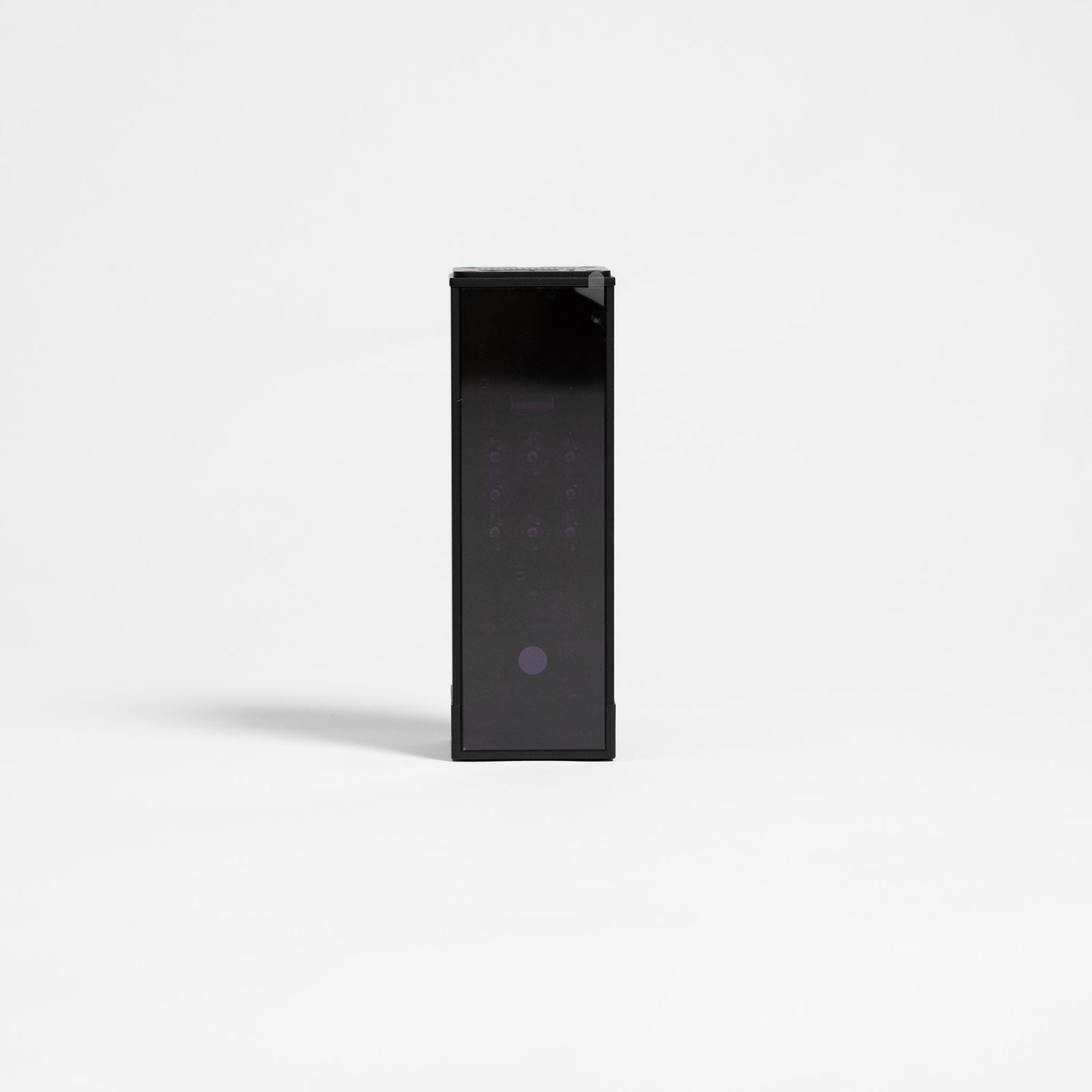
ProTee is a smart choice if you want serious indoor golf simulator practice without constant setup fuss. The ProTee VX is a ceiling-mounted launch monitor that uses dual high-speed cameras and AI tracking for fast feedback, a tidy hitting zone, and club and ball data you can train with. With GolfBays, you can go three ways: choose the ProTee VX on its own, opt for a full enclosure bundle, or add a protective case for extra peace of mind.

3 PRODUKTE

ProTee VX Deckenmontierter Launch-Monitor, inkl. 2 Hochgeschwindigkeits-Zeitlupenkameras, GSPro 1‑Jahres-Mitgliedschaft & Schutzhülle

ProTee VX Deckenmontierter Launch-Monitor, inkl. 2 Hochgeschwindigkeits-Zeitlupenkameras, GSPro 1‑Jahres-Mitgliedschaft & Schutzhülle

€7.260,00 EUR
ProTee VX GolfBays Lux Golfsimulator-Gehäuse-Paket

ProTee VX GolfBays Lux Golfsimulator-Gehäuse-Paket

€13.489,95 EUR
Golfbays ProTee VX Schutzetui

Golfbays ProTee VX Schutzetui

€240,95€221,95 EUR Speichern: €19

WHAT YOU NEED TO KNOW ABOUT PROTEE GOLF SIMULATORS

ProTee is a Dutch simulator manufacturer that has been building indoor golf hardware since 2001. Their approach is practical: focus on the things that make people give up on simulator golf (fiddly setup, cluttered hitting areas, stop-start sessions) and solve those first.

The ProTee VX is the core of this collection, built specifically as a ceiling-mounted launch monitor for indoor installs. Dual high-speed cameras and AI-powered tracking deliver quick, consistent reads and a clean day-to-day experience. The benefit is fewer interruptions, less tinkering, and more time actually practising, coaching, and playing.

Ceiling-mounted freedom

A ceiling unit fixes the most common home sim problem: the slow drift into mess and chaos. There’s no floor hardware by the ball, no accidental nudges, and far less time wasted re-aligning your kit or clearing space. Your bay stays clean, predictable, and ready to go, which is exactly what you want if you practise regularly.

Righty and lefty play that keeps sessions moving

Solo sessions are easy. The real test is whether the setup still works when friends or students rotate in and out. The VX is built for shared use, so switching between right and left-handed golfers is easy. That matters for households, coaching, and any commercial environment where flow and ease of use are everything.

Rapid shot feedback

Fast response is what makes simulator practice feel natural. With shot processing coming back in under 0.3 seconds, ProTee’s feedback loop stays tight. You hit, you see it, you adjust, and you move on. That is how you get better, and it’s also how sessions stay fast-paced and fun.

Detailed club and ball data

Plenty of systems can deliver data, but some make you earn it with marked balls, stickers, or constant tinkering. The VX is designed to work with standard balls and clubs as your default, so you spend less time setting up and more time hitting meaningful shots.

Video feedback that actually improves practice

High-speed visuals are not just nice to look at, they make your practice more productive. When you can see what happened at impact and link it to the shot result, you stop guessing and start training with intent. That shift is often what turns a casual hit into proper training.

Habe gerade diese neue Pro+ Leinwand in meinem kommerziellen Golf-Simulator installiert. Der Unterschied zwischen der alten und dieser neuen ist verblüffend. Sie ist nicht nur deutlich leiser, sondern die Bildprojektion ist auch viel klarer. Sie ist mit Bungee-Bällen ziemlich straff montiert, aber es gibt keinen nennenswerten Rückprall. Ich empfehle die Pro+ Impact-Leinwand uneingeschränkt.

Adam S.

Weather ist für mich kein Problem mehr, ich kann gleichzeitig in meiner Garage und am 7. beim Augusta sein!

B Edwards

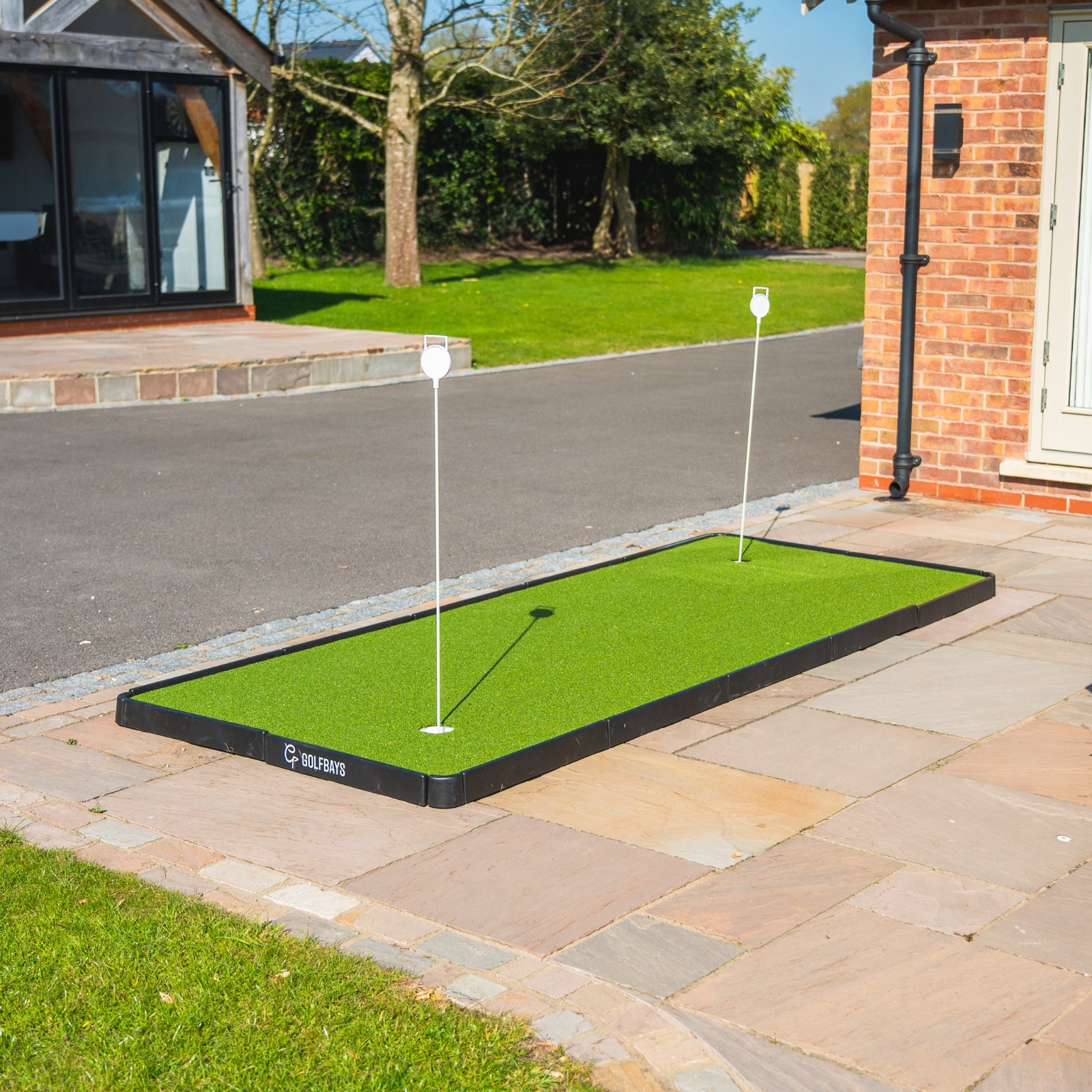
Das Golfteam übt gern mit der Puttout-Trainingsmatte. Mehr Übung führt zu besserem Putten auf dem Platz. Die Qualität des Produkts ist ausgezeichnet.

Boliver

Ich hatte bereits ein großes Fitnessstudio in meinem Haus, wollte jedoch auch zu Hause mit dem Golfen beginnen und fitter werden. Ich wollte keine fest eingebaute Lösung, daher war die Simbox-Einhausung die perfekte Lösung. Sie ermöglichte es mir, sie überall in meinem Zimmer zu platzieren, was ein Vorteil war, da ich sie nicht an eine Wand stellen konnte. Die Qualität der Simbox ist unvergleichlich. Ich habe mich für den Close Knit Baffle-Screen entschieden, da ich den robustesten Bildschirm für die Häufigkeit meines Trainings wollte; außerdem ist er sehr leise, was ein Plus ist. Dem Team von Golfbays kann ich nicht genug danken — alle sind sehr kompetent, man merkt, dass sie alle einen Golfhintergrund haben. Ich würde sie auf jeden Fall empfehlen.

H.P.

Dies ist eine außergewöhnliche Maschine mit schneller Lieferung und hervorragendem Kundenservice von Golf Bays. Es ist mein zweiter Kauf bei Golf Bays, sie liefern immer Bestnoten und ich kann sie sehr empfehlen!

Jonathan

Solides Netz, stark genug zum Üben mit dem Driver und allen anderen Schlägern im Bag. Die Rücklaufneigung ist sehr praktisch, da Sie die Bälle nicht aufsammeln müssen – sie rollen direkt zu Ihren Füßen zurück. Empfehlenswert ist außerdem der Kauf schwerer Bodenanker oder Heringe, um es im Garten zu sichern.

Liam

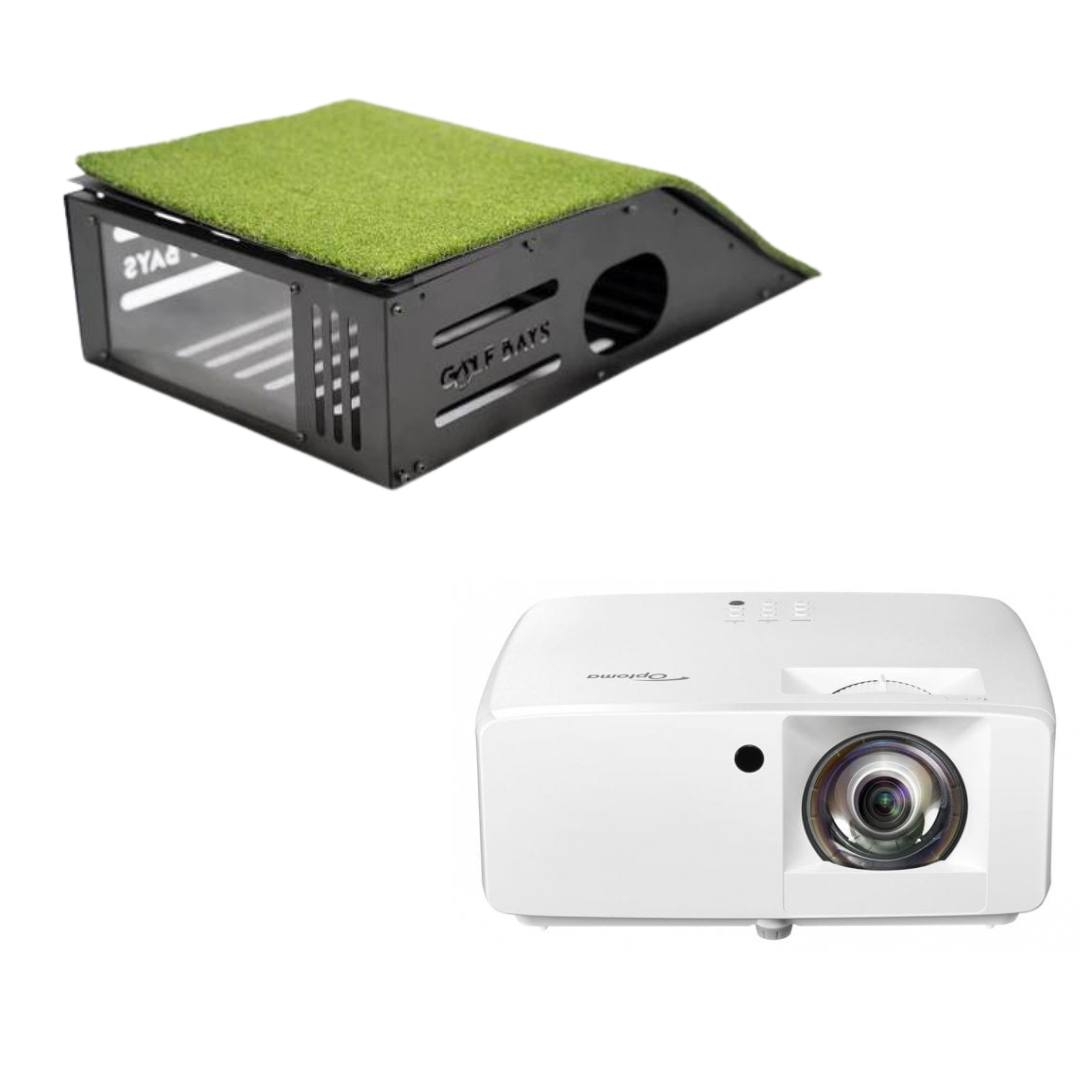
Fantastische Qualität, einfach zu installieren und schnelle Lieferung. Könnte mir nicht viel mehr wünschen. Wir haben außerdem einen Projektor und ein Schutzgehäuse gekauft, die hervorragend sind. Schafft ein sehr professionell wirkendes Setup.

Luke M.

Großartige Qualität, einfach zusammenzubauen – innerhalb von Stunden nach der Lieferung, die innerhalb von 48 Stunden erfolgte, habe ich schon Bälle geschlagen. Es werden noch ein paar zusätzliche Teile benötigt, um den perfekten Raum zu vervollständigen. Werde es wieder verwenden.

Mark W

Die Box wurde sehr schnell geliefert, inklusive Zollabfertigung, perfekt.Die SimBox übertraf meine Erwartungen, schwarzer Kugelschutz sehr schalldämmend, Impact Screen Pro+ sehr gut für Full HD.Dank des Videotutorials kann sie auch allein aufgebaut werden, aber mit zwei Personen deutlich entspannter.Einfach perfekt, sehr empfehlenswert, dank der 6 Größen findet sich immer ein Platz zu Hause, sofern die Raumhöhe passt.Sehr überzeugende QualitätKurz gesagt: brillant für den Heim-Simulator

Markus K.

Schön und einfach einzurichten. Ein paar kleinere Probleme mit der Software, aber leicht zu klären durch einen kurzen Anruf beim Team von golfbays. Ich empfehle TGC2019 fürs Spielen. Die eigenen Plätze von Skytrak habe ich nicht ausprobiert, glaube aber, dass sie gut sind.

Peter H

Zufrieden mit der Qualität des Kunstrasens und würde es anderen wärmstens empfehlen.

Scott W

Frequently Asked Questions

Want 1-to-1 advice?

Here’s a quick checklist to confirm the ProTee VX suits your space before you go any further.

Ceiling height

You need 2.75m minimum from hitting surface to ceiling. If you can get closer to 3.0m, it tends to feel more comfortable for full swings and mounting flexibility.

Mount position relative to the hitting area

Mount the unit between 9ft and 10ft high, and position it 3ft 4in to 3ft 7in from the hitting area. That placement is what keeps tracking consistent and makes calibration straightforward.

Hitting zone size

The hitting zone is configurable, up to 65cm x 55cm. In practice, that gives you enough freedom to set a comfortable ball position without turning every shot into a precise placement exercise.

PC requirement

Plan for a Windows 10 64-bit PC at minimum, with an i7-8xxx (or AMD equivalent), 8GB RAM, and an RTX 3060 (or Radeon equivalent) as the baseline. If you want higher graphics settings in sim software, spec up from there.

Room environment basics

Two things cause headaches in our experience:

  • Avoid strong infrared interference, especially direct sunlight hitting the hitting area.
  • Avoid very light or white putting surfaces. Darker mats track better, especially on putts.

If you are building an indoor golf simulator and space is limited, a ceiling-mounted, camera-based launch monitor is usually the cleaner choice. Radar systems can be excellent, but they typically perform best with more room depth and a more controlled setup. ProTee VX is built for fixed indoor installs where consistency, speed, and a tidy hitting area matter more than portability.

You need 2.75m (9ft) minimum from the hitting surface to the ceiling. If you can get closer to 3.0m (10ft), it generally feels more comfortable for full swings and gives you a bit more flexibility when positioning the unit.

We do not recommend it. Once you drop below 2.75m you are outside the safe, sensible use case for a ceiling-mounted system, both for swing clearance and for reliable tracking. If your ceiling is under 9ft, you are usually better looking at options designed specifically for low-ceiling environments.

The hitting zone is configurable up to 65cm x 55cm (25in x 21in). That gives you enough freedom to set the ball position naturally without turning every shot into a precise placement exercise.

Yes. One of the big advantages of a ceiling-mounted system is shared use. The VX supports both right-handed and left-handed golfers without needing you to move the unit or reconfigure the setup each time.

No. The VX is designed to work with standard balls and clubs as your default, so you can practise without adding stickers or switching to special balls. If you ever see odd spin behaviour, it is usually better to check calibration and the room environment first.

Shot feedback is near-instant, with processing coming back in under 0.3 seconds. That quick response is a big part of what makes simulator practice feel natural and keeps sessions flowing.

You get a full practice toolkit across ball, club, and flight. That includes ball speed, spin metrics, launch direction and angle, plus club delivery data such as club speed, path, face angle, attack angle, dynamic loft, and impact location, alongside carry and offline outcomes.

Yes. ProTee VX works with GSPro, and it is a popular pairing for home builds and studio setups where you want a deep course library alongside serious practice tools.

ProTee VX includes ProTee Labs for practice and analysis, such as ranges and mapping tools. Course play typically comes via your chosen sim software, such as GSPro.

For the core VX plus ProTee Labs experience, there are no recurring fees to keep the system running. If you choose a third-party sim platform for course play, that platform may have its own subscription or licence cost.

Minimum PC requirements are Windows 10 64-bit, Intel i7-8xxx or AMD equivalent, 8GB RAM, and an RTX 3060 or Radeon equivalent. If you want smoother performance and higher graphics settings in simulator software, we recommend stepping up from the minimum, especially on the GPU.

No. You will need a Windows PC. We do not recommend running it through virtual machines if you want stable performance. You can try with virtualisation software, but the results may be mixed!

No fixed distance is required, unlike some systems. Your screen distance is primarily driven by safety, bounceback control, projector throw, and what feels realistic in your space.

Book a Free Consultation